Switching from Gramps
From Gramps to Stambeam, in a few minutes.
Stambeam reads Gramps files (.gramps) directly. That is better than GEDCOM, because nothing from Gramps gets lost.
How to bring your tree over
In Gramps
Stambeam reads Gramps files directly. That is better than GEDCOM, because nothing from Gramps gets lost.
- 1In the Family Trees menu, choose Export… (Ctrl+E).
- 2Choose Gramps XML (.gramps).
- 3Turn on no filters or privacy options if you want everything.
In Stambeam
- 1Choose File, Import.
Pick the file you just made. Nothing changes yet. - 2Check the preview and import.
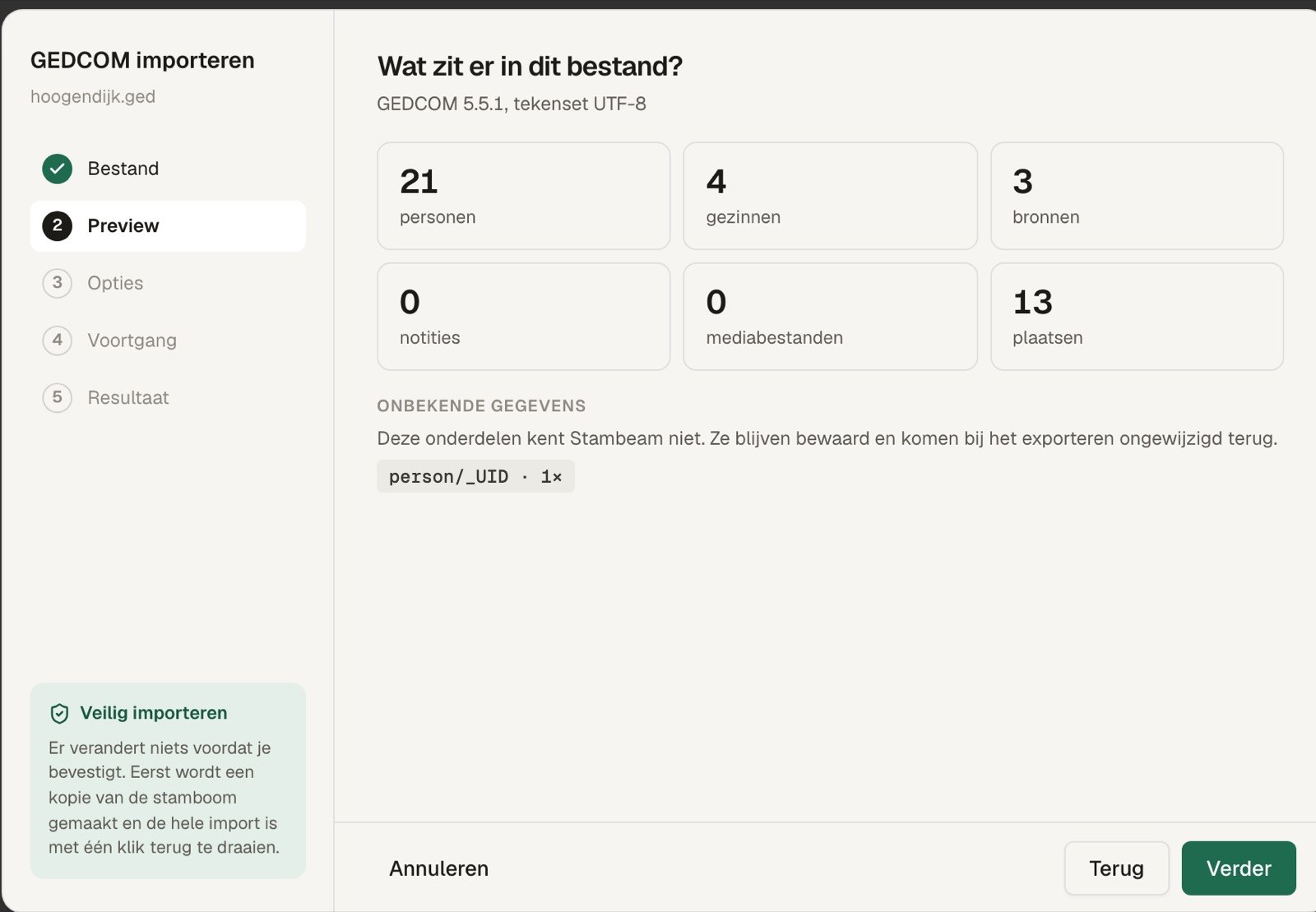
You see how many people, families, sources and photos are in it. Click Import; just before, Stambeam makes a copy of your tree. - 3Keep or undo.
If it looks right, carry on straight away. If not, everything is back the way it was.
Data Stambeam does not know is kept and goes along unchanged when you export to GEDCOM.
What Stambeam does differently
Your own tree, with a few new possibilities.
Try it with your own tree.
Try it free for 30 days